RX 7900 XTX runs Hammerwatch II at approximately ~240 FPS at 1080p High settings — verdict: SMOOTH. At 1440p: ~180 FPS (SMOOTH). At 4K: ~144 FPS (SMOOTH).
The RX 7900 XTX delivers ~240 FPS in Hammerwatch II at 1080P High settings — exceeding the 60 FPS smooth-play threshold by 180 FPS. This GPU is a strong match for high-refresh-rate monitors on this title. No upgrade needed. Note: This game's lightweight 2D visuals may push your GPU to very high frame rates. Setting a frame rate limit (V-Sync or driver-level cap) is recommended to reduce thermal load and coil whine.
Performance Optimizer
Live SimulationFrequently asked questions — RX 7900 XTX & Hammerwatch II
Can I run Hammerwatch II on RX 7900 XTX?
Yes. The RX 7900 XTX delivers approximately 240 FPS in Hammerwatch II at 1080p High settings. This exceeds the 60 FPS smooth-play threshold — gameplay is fluid without any adjustments needed.
What FPS does RX 7900 XTX get in Hammerwatch II at 1440p?
The RX 7900 XTX averages approximately 180 FPS in Hammerwatch II at 1440p High settings — verdict: SMOOTH. Excellent result for high-refresh-rate 1440p monitors.
Can RX 7900 XTX run Hammerwatch II at 4K?
The RX 7900 XTX averages approximately 144 FPS in Hammerwatch II at 4K High settings — verdict: SMOOTH. 4K gaming is fully viable on this GPU for this title.
About Hammerwatch II
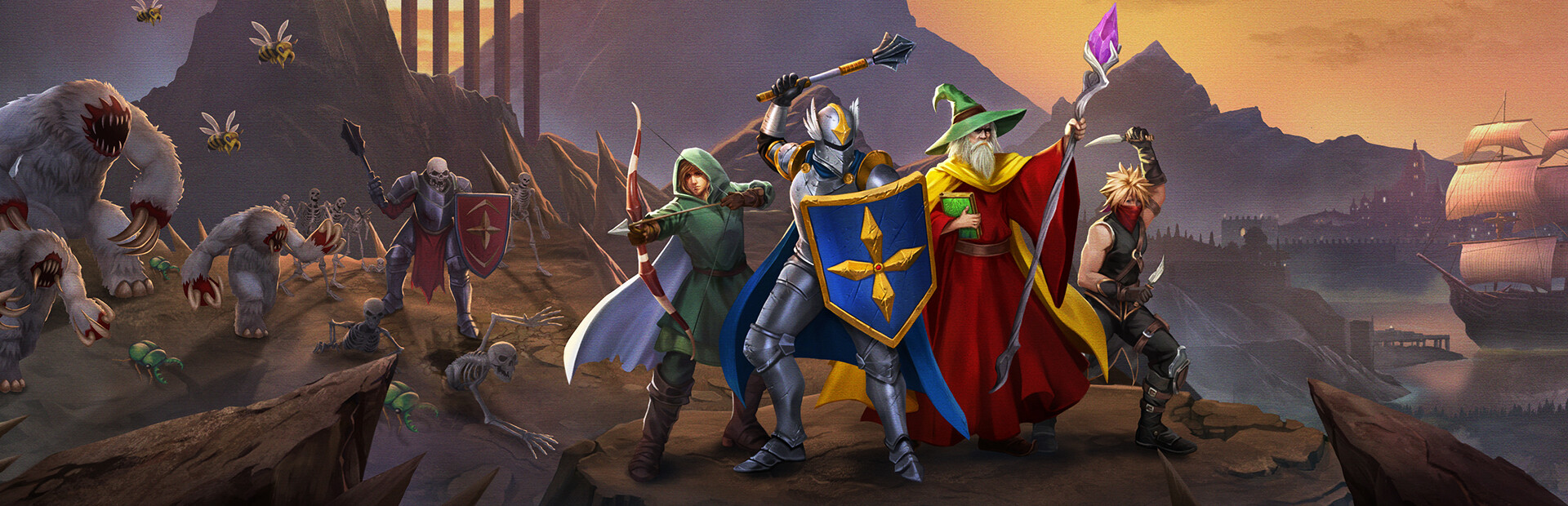
Gather your heroes and journey beyond the dungeons of Castle Hammerwatch to explore a pixelated world like never before. Aid King Roland’s resistance while helping villagers along the way. Battle beasts, finish off hordes of the undead, and face the forces of evil in this epic ode to classic ARPG.
View all deals for Hammerwatch II →