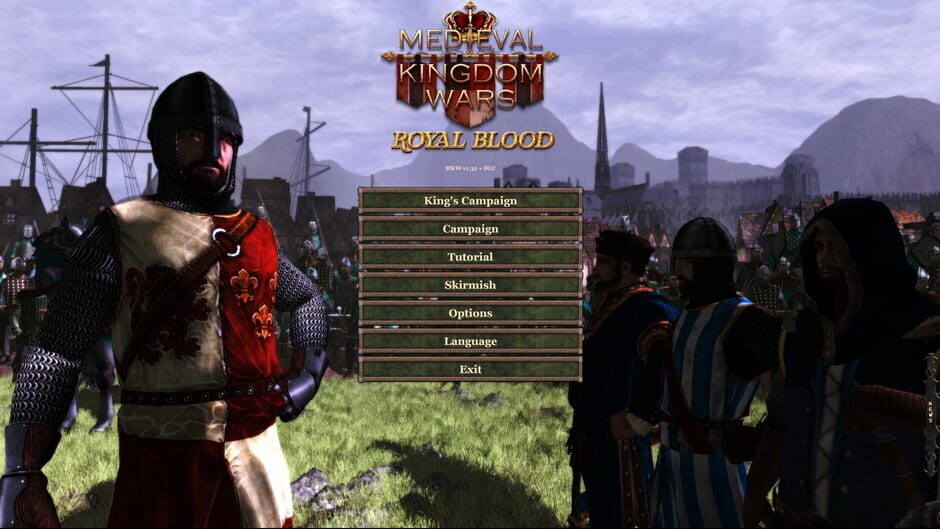
GTX 1660 Ti runs Medieval Kingdom Wars - Royal Blood at approximately ~39 FPS at 1080p High settings — verdict: PLAYABLE. At 1440p: ~23 FPS (STRUGGLE). At 4K: ~8 FPS (CANT_RUN).
The GTX 1660 Ti runs Medieval Kingdom Wars - Royal Blood at ~39 FPS on 1080P High settings — within the 30–60 FPS playable range but below the 60 FPS smooth-play threshold. Switching from High to Medium settings typically recovers approximately 7 FPS on this GPU tier.
Performance Optimizer
Live SimulationFrequently asked questions — GTX 1660 Ti & Medieval Kingdom Wars - Royal Blood
Can I run Medieval Kingdom Wars - Royal Blood on GTX 1660 Ti?
Yes. The GTX 1660 Ti delivers approximately 39 FPS in Medieval Kingdom Wars - Royal Blood at 1080p High settings. Frame rate is in the 30–60 FPS playable range. Switching to Medium settings recovers roughly 15–20% more FPS.
What FPS does GTX 1660 Ti get in Medieval Kingdom Wars - Royal Blood at 1440p?
The GTX 1660 Ti averages approximately 23 FPS in Medieval Kingdom Wars - Royal Blood at 1440p High settings — verdict: STRUGGLE. 1440p is not recommended on this GPU for this title. 1080p will perform substantially better.
Can GTX 1660 Ti run Medieval Kingdom Wars - Royal Blood at 4K?
The GTX 1660 Ti averages approximately 8 FPS in Medieval Kingdom Wars - Royal Blood at 4K High settings — verdict: CANT_RUN. 4K is not recommended on this GPU for this title. 1080p or 1440p is the better choice.
About Medieval Kingdom Wars - Royal Blood
Only those of Royal Blood can undertake the King’s Campaign. Defend your mighty nation from enemies near and far, build your towns and cities into imgrenable bastions and economic powerhouses, and expand your realm by claiming all that is yours by right of your royal blood.
View all deals for Medieval Kingdom Wars - Royal Blood →