GTX 1650 Super runs Microsoft Flight Simulator 40th Anniversary at approximately ~42 FPS at 1080p High settings — verdict: PLAYABLE. At 1440p: ~28 FPS (STRUGGLE). At 4K: ~13 FPS (CANT_RUN).
The GTX 1650 Super runs Microsoft Flight Simulator 40th Anniversary at ~42 FPS on 1080P High settings — within the 30–60 FPS playable range but below the 60 FPS smooth-play threshold. Switching from High to Medium settings typically recovers approximately 8 FPS on this GPU tier.
Performance Optimizer
Live SimulationFrequently asked questions — GTX 1650 Super & Microsoft Flight Simulator 40th Anniversary
Can I run Microsoft Flight Simulator 40th Anniversary on GTX 1650 Super?
Yes. The GTX 1650 Super delivers approximately 42 FPS in Microsoft Flight Simulator 40th Anniversary at 1080p High settings. Frame rate is in the 30–60 FPS playable range. Switching to Medium settings recovers roughly 15–20% more FPS.
What FPS does GTX 1650 Super get in Microsoft Flight Simulator 40th Anniversary at 1440p?
The GTX 1650 Super averages approximately 28 FPS in Microsoft Flight Simulator 40th Anniversary at 1440p High settings — verdict: STRUGGLE. 1440p is not recommended on this GPU for this title. 1080p will perform substantially better.
Can GTX 1650 Super run Microsoft Flight Simulator 40th Anniversary at 4K?
The GTX 1650 Super averages approximately 13 FPS in Microsoft Flight Simulator 40th Anniversary at 4K High settings — verdict: CANT_RUN. 4K is not recommended on this GPU for this title. 1080p or 1440p is the better choice.
About Microsoft Flight Simulator 40th Anniversary
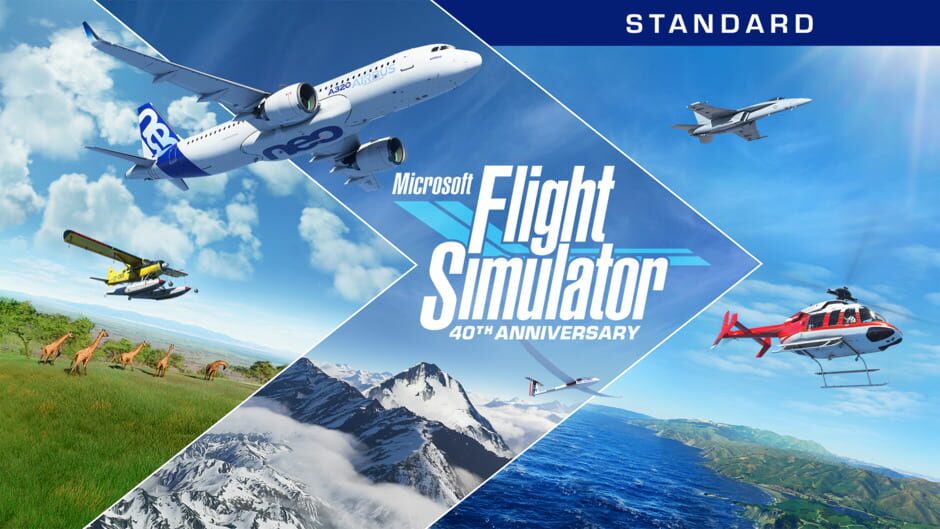
From light planes to wide body jets to gliders and helicopters, fly highly detailed and accurate aircraft in the Microsoft Flight Simulator 40th Anniversary Edition. The world is at your fingertips. The Standard 40th Anniversary Edition features 37 airplanes, gliders, and helicopters with unique flight models, 25 handcrafted airports, 4 classic commercial airports, 14 heliports and 15 glider airp…
View all deals for Microsoft Flight Simulator 40th Anniversary →