GTX 960 runs Ravenswatch at approximately ~40 FPS at 1080p High settings — verdict: PLAYABLE. At 1440p: ~30 FPS (PLAYABLE). At 4K: ~14 FPS (CANT_RUN).
The GTX 960 runs Ravenswatch at ~40 FPS native on 1080P High settings — within the playable range but below the 60 FPS smooth threshold. Enabling FSR 2 Quality mode typically delivers ~46 FPS at near-native visual quality, reaching ~46 FPS. Dropping from High to Medium settings is a secondary option recovering ~7 FPS.
Performance Optimizer
Live SimulationFrequently asked questions — GTX 960 & Ravenswatch
Can I run Ravenswatch on GTX 960?
Yes. The GTX 960 delivers approximately 40 FPS in Ravenswatch at 1080p High settings. Frame rate is in the 30–60 FPS playable range. Switching to Medium settings recovers roughly 15–20% more FPS.
What FPS does GTX 960 get in Ravenswatch at 1440p?
The GTX 960 averages approximately 30 FPS in Ravenswatch at 1440p High settings — verdict: PLAYABLE. Playable at 1440p — consider lowering to Medium for a smoother experience.
Can GTX 960 run Ravenswatch at 4K?
The GTX 960 averages approximately 14 FPS in Ravenswatch at 4K High settings — verdict: CANT_RUN. 4K is not recommended on this GPU for this title. 1080p or 1440p is the better choice.
About Ravenswatch
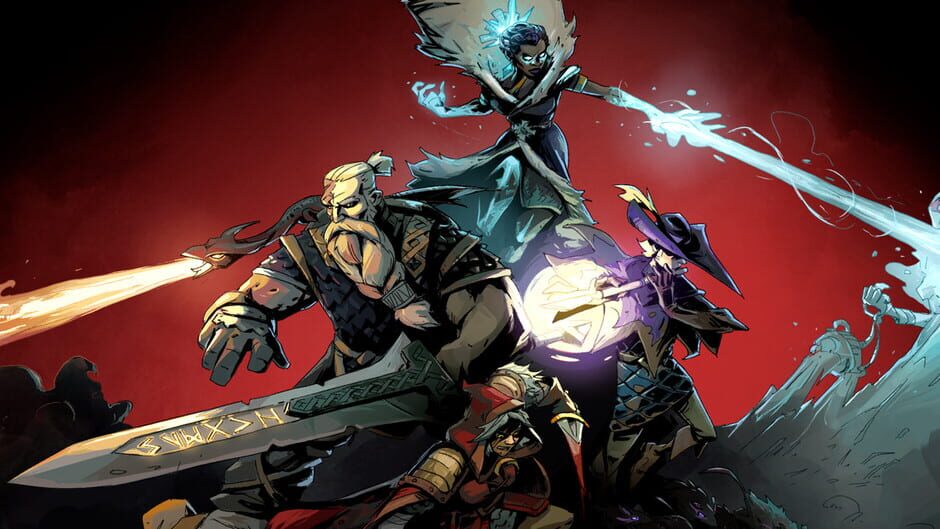
Fallen heroes of old folk tales and legends: you are on the verge of a crucial battle against the Nightmare invading and corrupting your world. A roguelike action game from the creators of Curse of the Dead Gods, playable solo or in online co-op.
View all deals for Ravenswatch →