GTX 1050 runs Steelrising at approximately ~27 FPS at 1080p High settings — verdict: STRUGGLE. At 1440p: ~16 FPS (CANT_RUN). At 4K: ~6 FPS (CANT_RUN).
The GTX 1050 averages ~27 FPS in Steelrising at 1080P High settings — below the 30 FPS minimum playability threshold. FSR 2 Quality mode typically recovers to ~31 FPS; Performance mode to ~39 FPS. For native-resolution smooth play a GPU upgrade to the next performance tier is recommended. Warning: Steelrising recommends at least 8 GB VRAM. The GTX 1050 has only 2 GB — expect texture pop-in, longer load times, or crashes in high-quality or large-area scenes.
Performance Optimizer
Live SimulationFrequently asked questions — GTX 1050 & Steelrising
Can I run Steelrising on GTX 1050?
Yes. The GTX 1050 delivers approximately 27 FPS in Steelrising at 1080p High settings. Frame rate is below the 30 FPS playability threshold. Reducing to 1080p Medium settings or upgrading to the next GPU tier is recommended.
What FPS does GTX 1050 get in Steelrising at 1440p?
The GTX 1050 averages approximately 16 FPS in Steelrising at 1440p High settings — verdict: CANT_RUN. 1440p is not recommended on this GPU for this title. 1080p will perform substantially better.
Can GTX 1050 run Steelrising at 4K?
The GTX 1050 averages approximately 6 FPS in Steelrising at 4K High settings — verdict: CANT_RUN. 4K is not recommended on this GPU for this title. 1080p or 1440p is the better choice.
About Steelrising
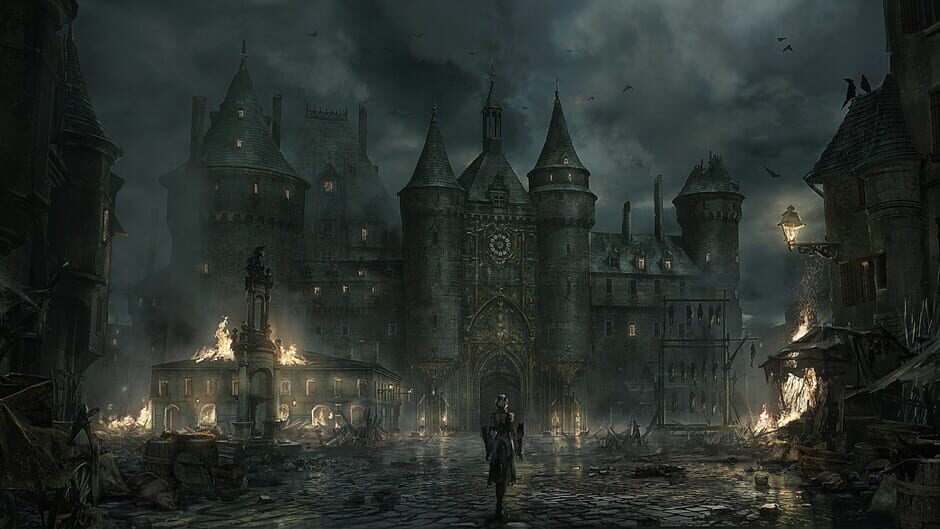
Paris, 1789. The French Revolution has been suppressed with bloodshed by Louis XVI and his merciless mechanical army. Aegis, a mysterious automaton masterpiece, must confront the king's army alone to save history in this challenging action-RPG.
View all deals for Steelrising →