GTX 750 Ti runs Styx: Shards Of Darkness at approximately ~24 FPS at 1080p High settings — verdict: STRUGGLE. At 1440p: ~17 FPS (CANT_RUN). At 4K: ~4 FPS (CANT_RUN).
The GTX 750 Ti averages ~24 FPS in Styx: Shards Of Darkness at 1080P High settings — below the 30 FPS minimum playability threshold. Dropping to 1080p Medium settings is the recommended workaround. A GPU upgrade to the next performance tier will resolve this. Warning: Styx: Shards Of Darkness recommends at least 4 GB VRAM. The GTX 750 Ti has only 2 GB — expect texture pop-in, longer load times, or crashes in high-quality or large-area scenes.
Performance Optimizer
Live SimulationFrequently asked questions — GTX 750 Ti & Styx: Shards Of Darkness
Can I run Styx: Shards Of Darkness on GTX 750 Ti?
Yes. The GTX 750 Ti delivers approximately 24 FPS in Styx: Shards Of Darkness at 1080p High settings. Frame rate is below the 30 FPS playability threshold. Reducing to 1080p Medium settings or upgrading to the next GPU tier is recommended.
What FPS does GTX 750 Ti get in Styx: Shards Of Darkness at 1440p?
The GTX 750 Ti averages approximately 17 FPS in Styx: Shards Of Darkness at 1440p High settings — verdict: CANT_RUN. 1440p is not recommended on this GPU for this title. 1080p will perform substantially better.
Can GTX 750 Ti run Styx: Shards Of Darkness at 4K?
The GTX 750 Ti averages approximately 4 FPS in Styx: Shards Of Darkness at 4K High settings — verdict: CANT_RUN. 4K is not recommended on this GPU for this title. 1080p or 1440p is the better choice.
About Styx: Shards Of Darkness
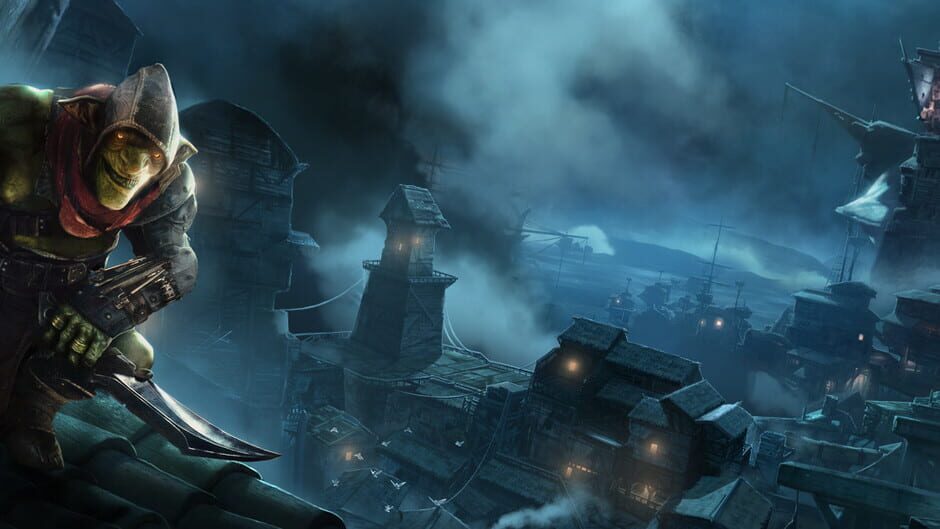
Embark upon a stealthy adventure with new enemies, new environments, and a plethora of new mechanics aimed at refining the abilities and movement of Styx; grappling around corners, climbing ropes, and using his trusty knife as a zip-wire. Shards of Darkness aims to offer unparalleled freedom of movement, along with refined stealth and assassination mechanics, expanding and improving on the strengt…
View all deals for Styx: Shards Of Darkness →